Endless Engines: A CGI Breakdown & VFX Workflow
Objectives
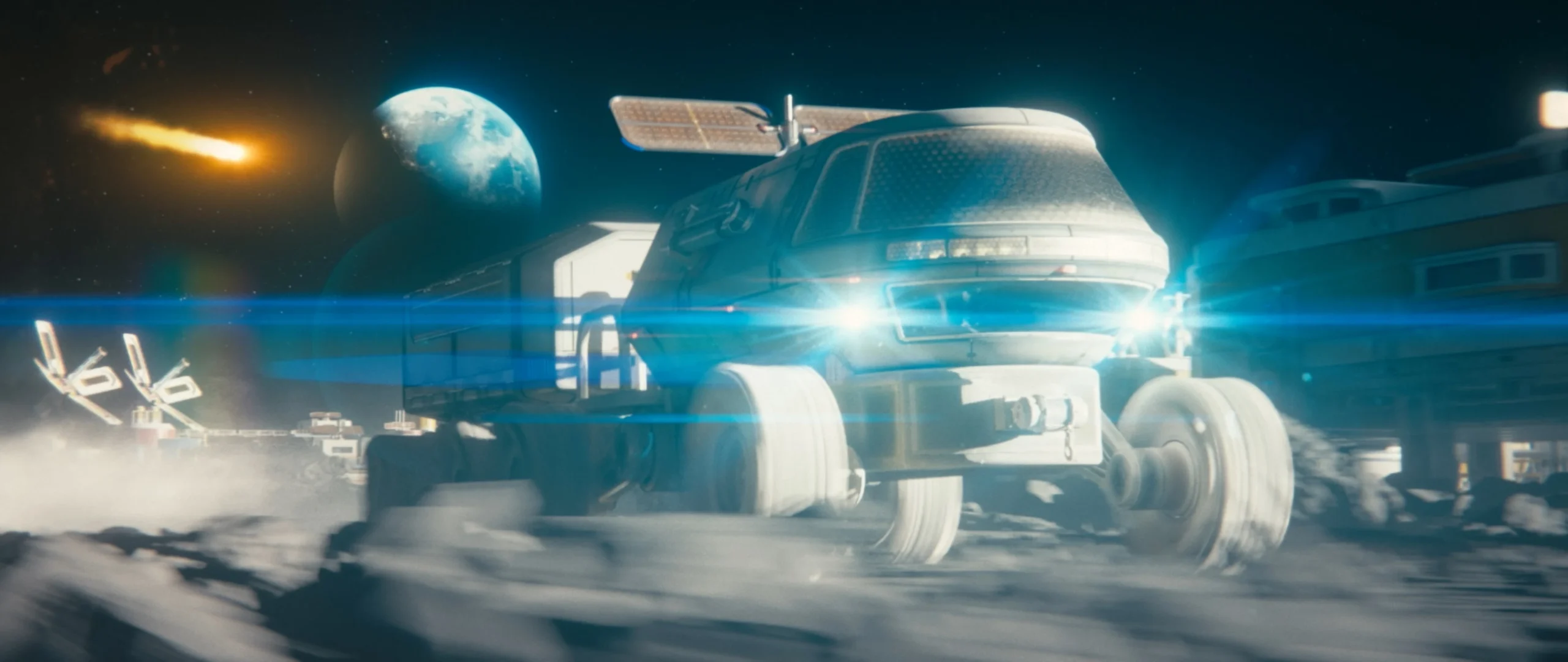
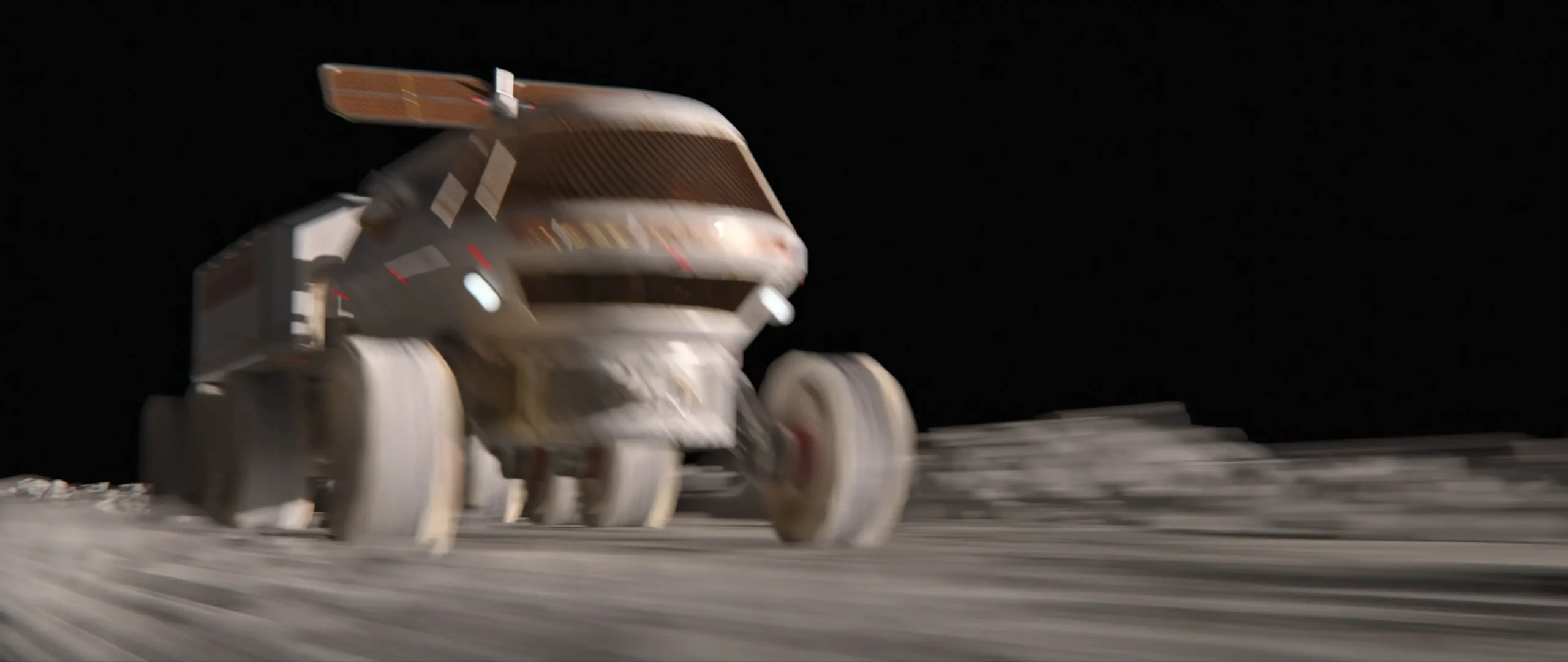
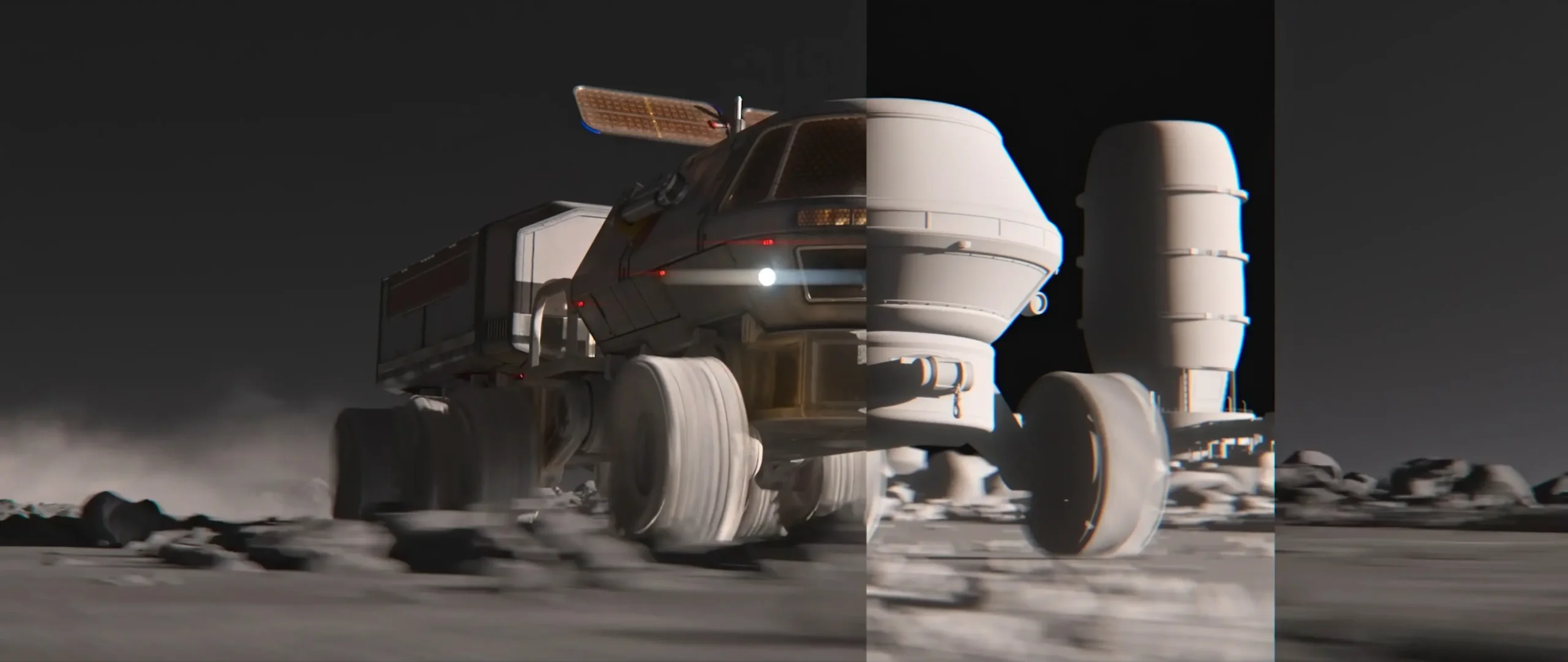
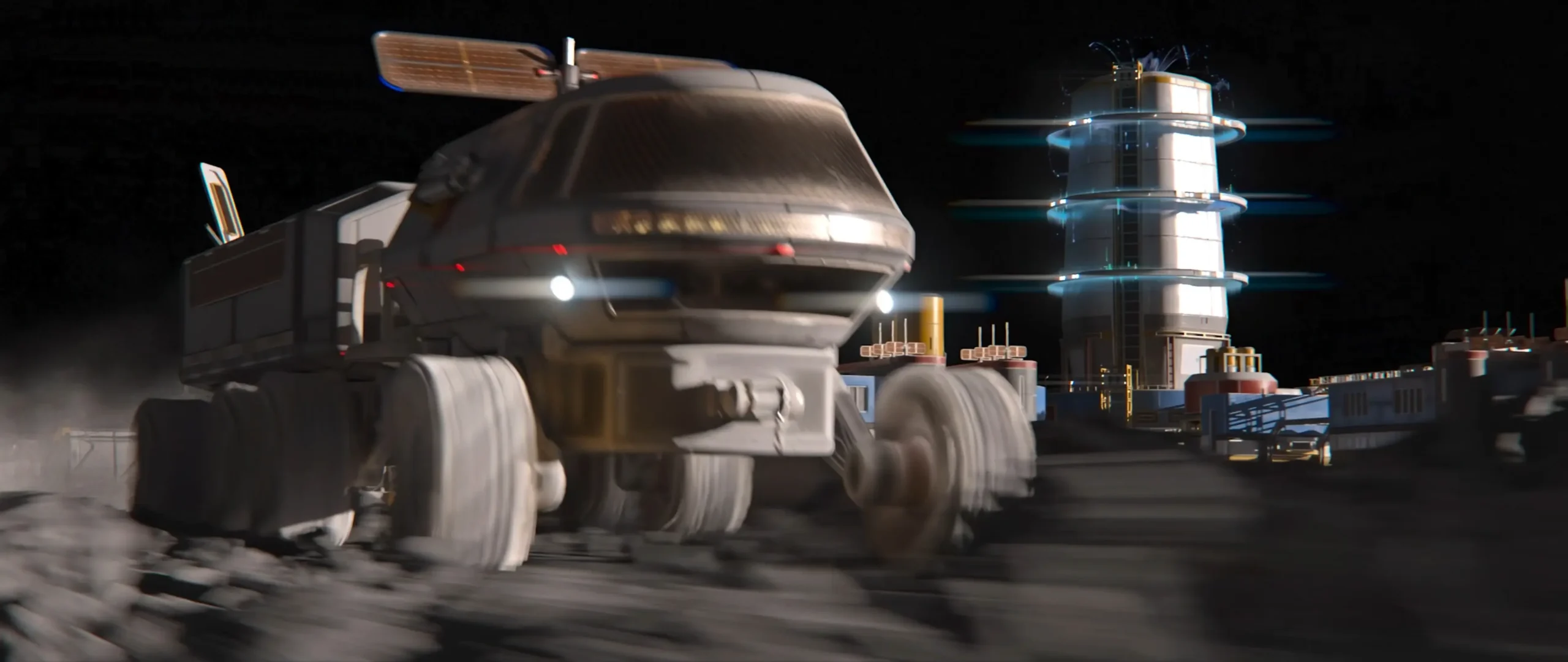
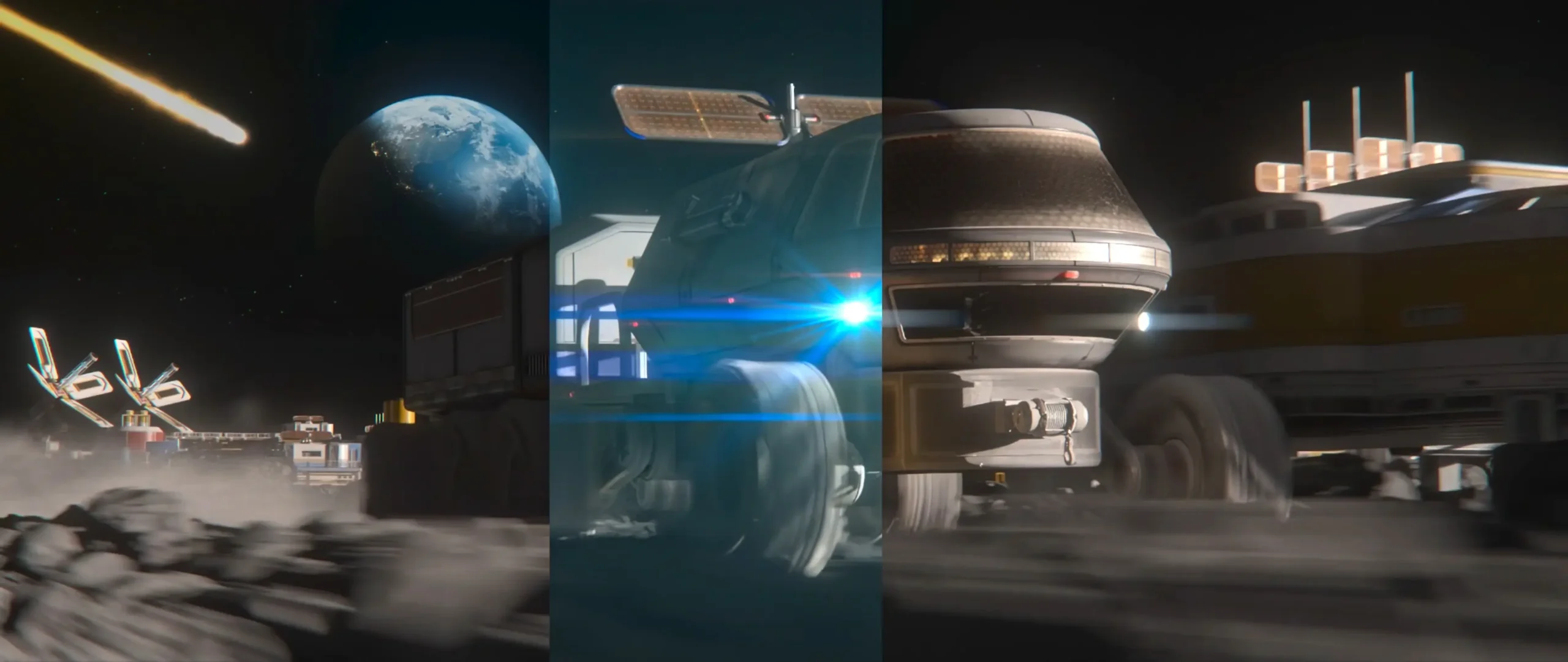
My core objective on Endless Engines was to build a physically plausible lunar traversal shot that balanced harsh zero-atmosphere physics with dynamic visual energy. By fragmenting the scene into modular lighting and volumetric passes, the entire shot remained fully adjustable in post-production without re-rendering geometry.
1. Scene Foundation & Asset Implementation
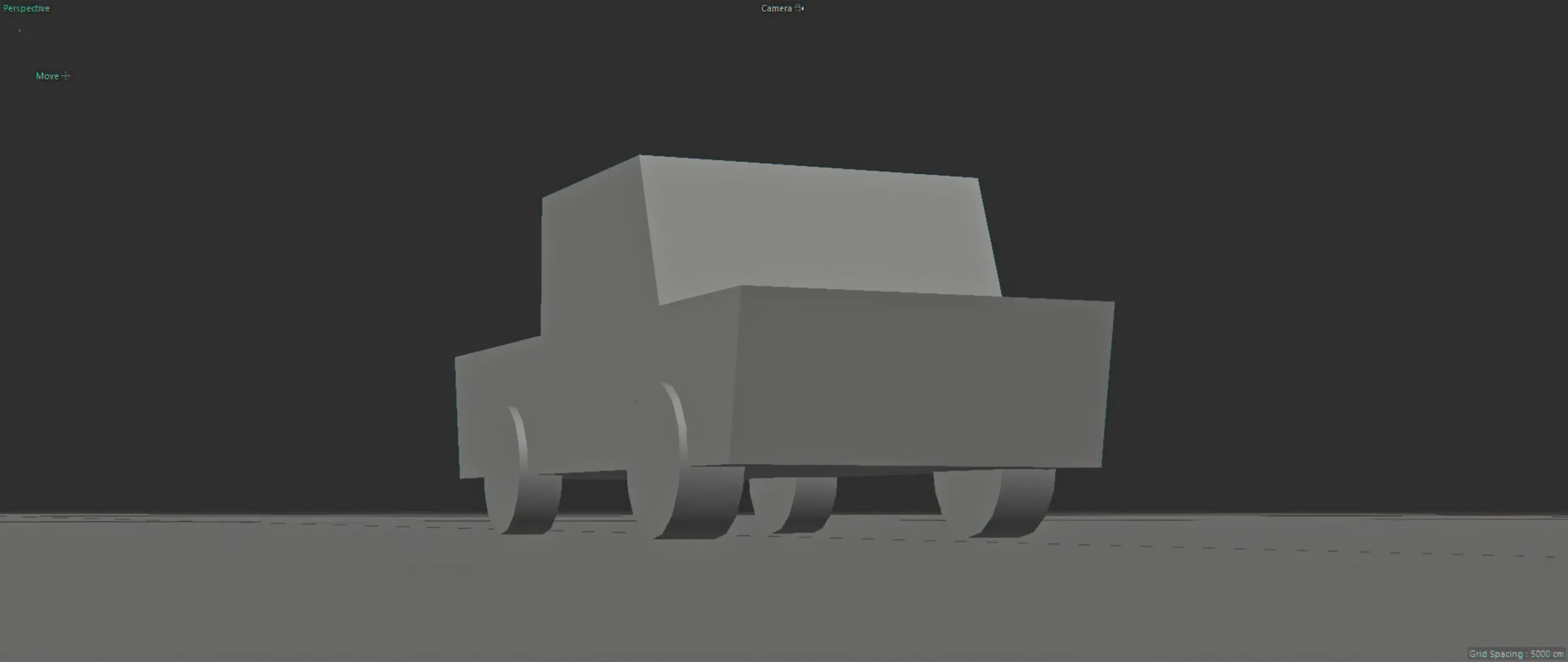
The core challenge template provided by Clinton Jones (Pwnisher) established camera motion and base track constraints. From there, I expanded the environment and mechanical fidelity:
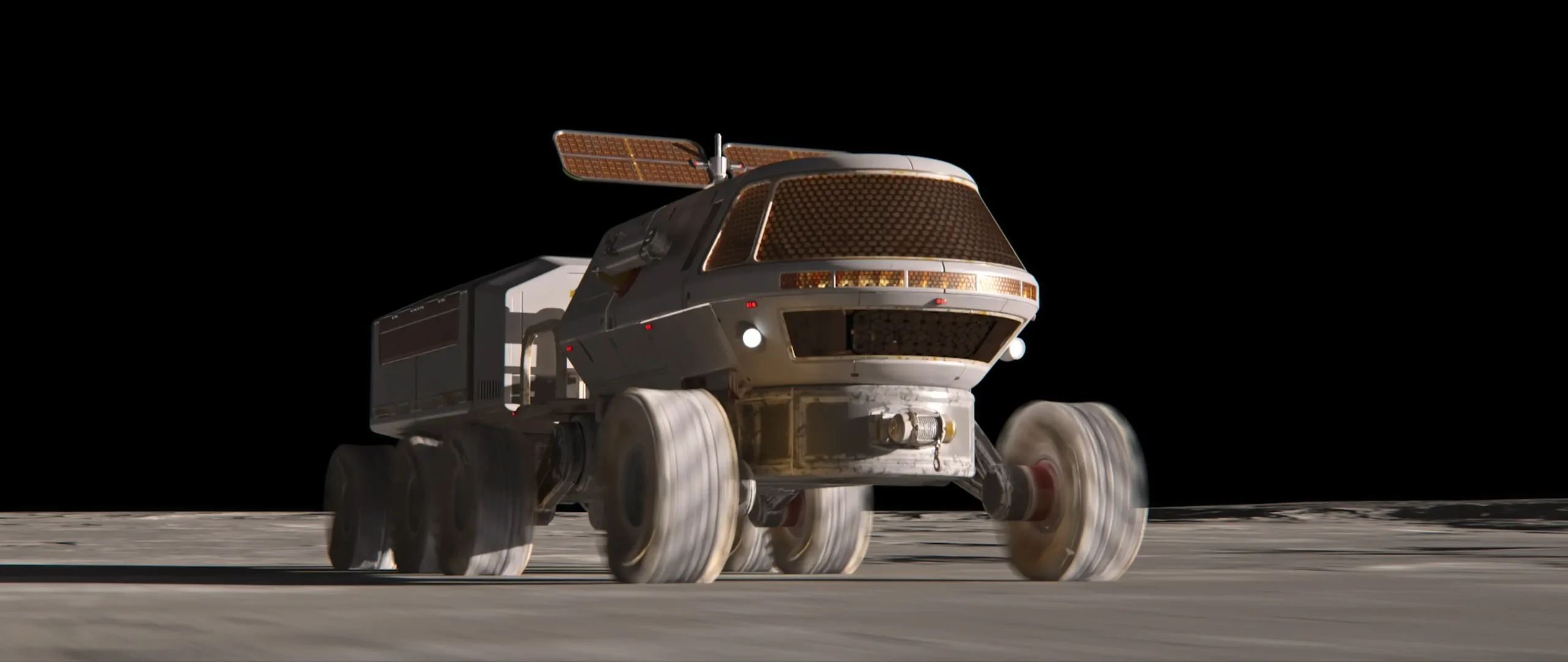
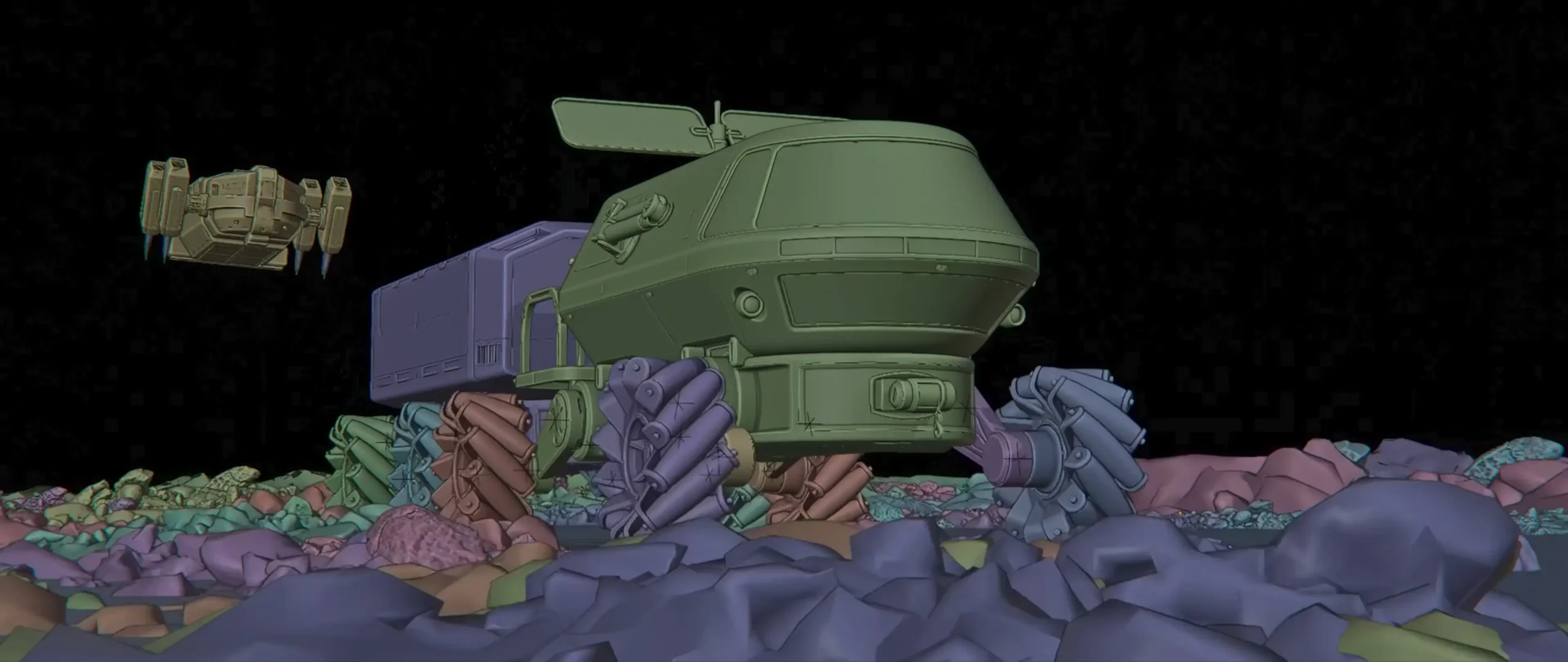
- KitBash3D Asset Customization: Ingested the hero rover asset and customized suspension geometry, suspension hydraulic pistons, and auxiliary sensor arrays to respond realistically to terrain elevation changes.
- Geometric Terrain Blockout: Sculpted an uneven regolith surface using procedural micro-displacement in Blender 3D, creating realistic wheel ruts and loose rock clusters.
- Kinetic Animation & Suspension Rigging: Rigged the wheel dampers using rotational math constraints and spring dampening curves, giving the heavy rover a sense of mass and inertia across low-gravity lunar topography.
2. Vacuum Lighting Design & PBR Surface Articulation
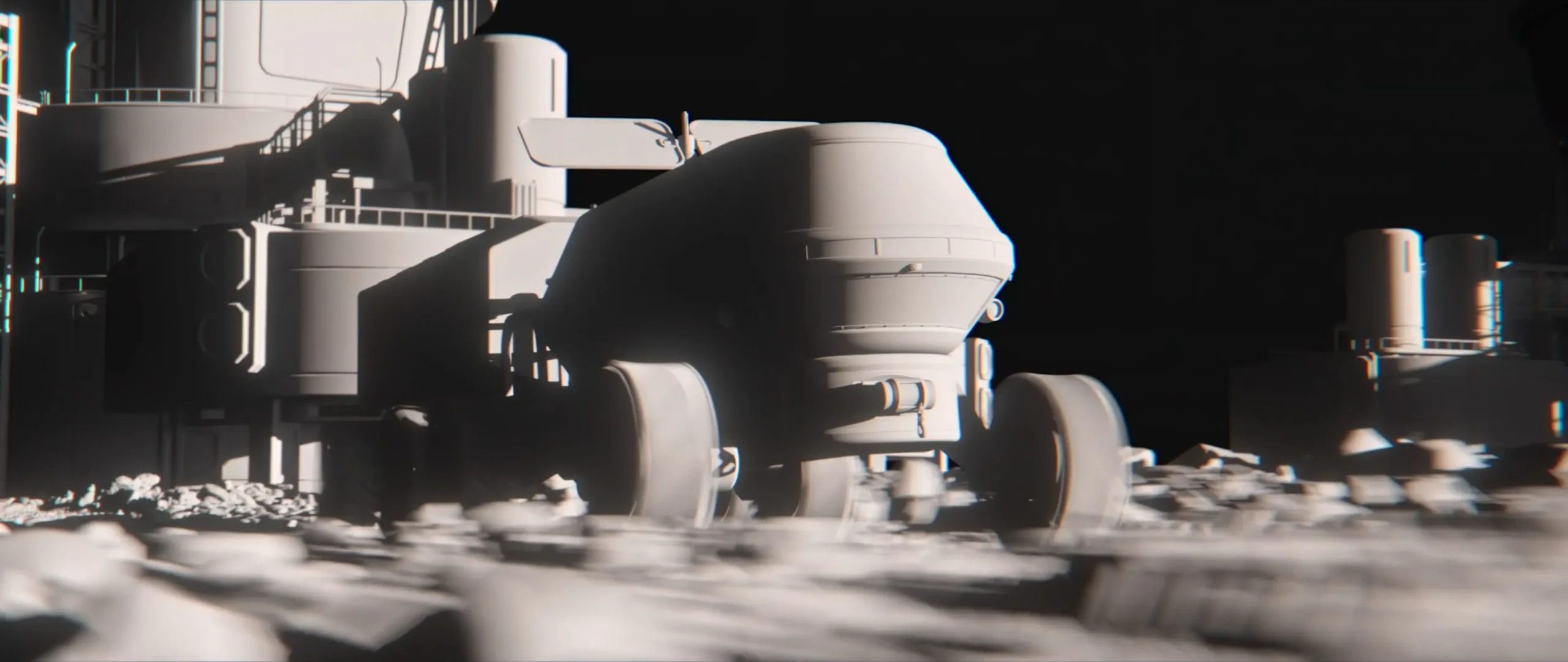
Lighting in deep space presents unique technical challenges: there is no atmosphere to scatter indirect light, resulting in pitch-black shadows and razor-sharp highlights. To capture this realism while preserving readable asset details, I engineered a three-tier lighting setup:
| Light Tier | Optical Source | Artistic & Technical Purpose |
|---|---|---|
| Key Source | Low-Angle Direct Solar Sun | High-intensity, non-decaying collimated sunlight casting long dramatic shadows across the crater rims. |
| Practical LED Emissives | Rover Headlights & Tail Beacons | Dynamic point lights illuminating ground displacement directly ahead of wheel tracks. |
| Secondary Rim | Earthshine Albedo Bounce | Subtle cool cyan ambient fill bouncing off deep shadows, preventing total loss of mechanical suit detail. |
3. Multi-Pass Render Architecture (Cycles Engine)
To avoid rendering monolithic passes, the sequence was outputted in 32-bit multilayer OpenEXR format using Blender Cycles, isolating specific physical components:
├── Combined_Beauty.exr (Reference check)
├── Diffuse_Direct & Diffuse_Indirect (Albedo & terrain scatter)
├── Glossy_Direct & Glossy_Indirect (Metallic chassis reflections)
├── Emission_Pass (LED headlights, dashboard screens, thruster sparks)
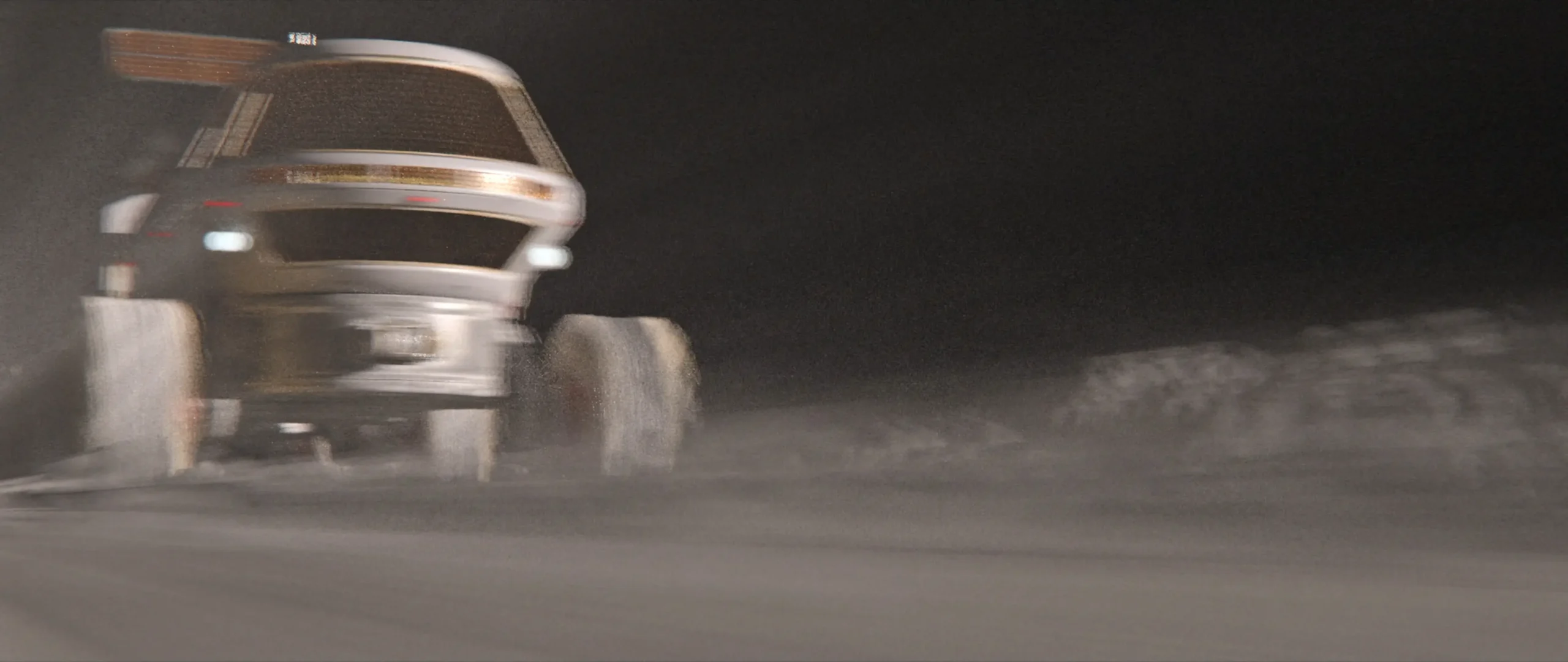
├── Volume_Scatter (Thruster plume & surface dust suspension)
├── Cryptomatte (Object & Material isolations for wheels, hull, glass)
└── Vector_Motion & Z_Depth (Calculated velocity vectors for optical blur)
4. Node-Based Compositing in Blackmagic Fusion
The compositing stage reassembled the 32-bit linear EXR passes inside Blackmagic Fusion, introducing real-world physical camera phenomena:
- Volumetric Dust & Thruster Particles: Composited tire-kicked regolith dust using additive blending with depth-aware Z-masking to seat particles behind the foreground chassis.
- Optical Lens Halation & Bloom: Extracted the high-energy emission pass from the headlights and applied an exponential blur curve with subtle red edge-fringing to simulate sensor halation.
- Custom Anamorphic Streak Generation: Built an optical streak generator in Fusion using directional blurs and chromatic channel splitting to mimic vintage anamorphic lens characteristics.
5. Cinematic Color Grading in DaVinci Resolve
The composite was brought into DaVinci Resolve Studio for final finishing in an ACEScct (Academy Color Encoding System) pipeline:
- Contrast Curve: Deep, uncompressed blacks in shadow zones paired with clean highlight rolloff on metallic chassis plating.
- Color Contrast: 6500K harsh white solar highlights juxtaposed against 3200K tungsten interior cockpit glow and 580nm amber hazard beacons.
- Film Grain & Sensor Polish: Applied subtle 35mm film grain scanned from Kodak Vision3 250D, harmonizing the sharp 3D render passes into an organic cinematic frame.
6. Production Impact & Challenge Benchmark
| Production Area | Traditional Single-Pass Method | Multi-Pass VFX Pipeline | Workflow Advantage |
|---|---|---|---|
| Headlight Intensity Changes | Full 3D re-render (~5 hrs) | Gain slider adjustment in Fusion | Real-time feedback |
| Dust Density Tuning | Simulate & re-render volumetrics | Isolated Volume pass grading | Instant client adjustments |
| Edge & Matte Artifacts | Fringing on complex alpha edges | Cryptomatte + 32-bit linear alpha | Artifact-free isolation |
7. Technical Specifications & Tool Stack
- 3D DCC & Animation: Blender 3D (Cycles rendering engine)
- Hard-Surface Kit: KitBash3D Rover Assets
- Node-Based Compositing: Blackmagic Fusion Studio
- Color Grading & Finishing: DaVinci Resolve Studio (ACEScct)
- Post Effects: Adobe After Effects (Motion blur fine-tuning)
8. Technical FAQ
How do you simulate zero-atmosphere lighting without making shadows completely flat black?
While deep space shadows receive no sky scatter, in physical environments they receive significant secondary albedo reflection from illuminated ground surfaces (lunar regolith) and distant planetary bodies (Earthshine). Balancing this secondary bounce in 32-bit linear space keeps shadows rich and readable.
Why use Blackmagic Fusion instead of standard 2D layer-based software?
Fusion’s node graph handles multi-channel 32-bit floating point EXR buffers natively, enabling true linear mathematical blending, Cryptomatte pass extraction, and deep pixel manipulation without memory bottlenecks.
How were the suspension physics animated?
The suspension was rigged with inverse kinematics and spring-damped drivers linked to an invisible ground-collision proxy, automating realistic compression and recoil over rocky terrain.
Visual Showcase