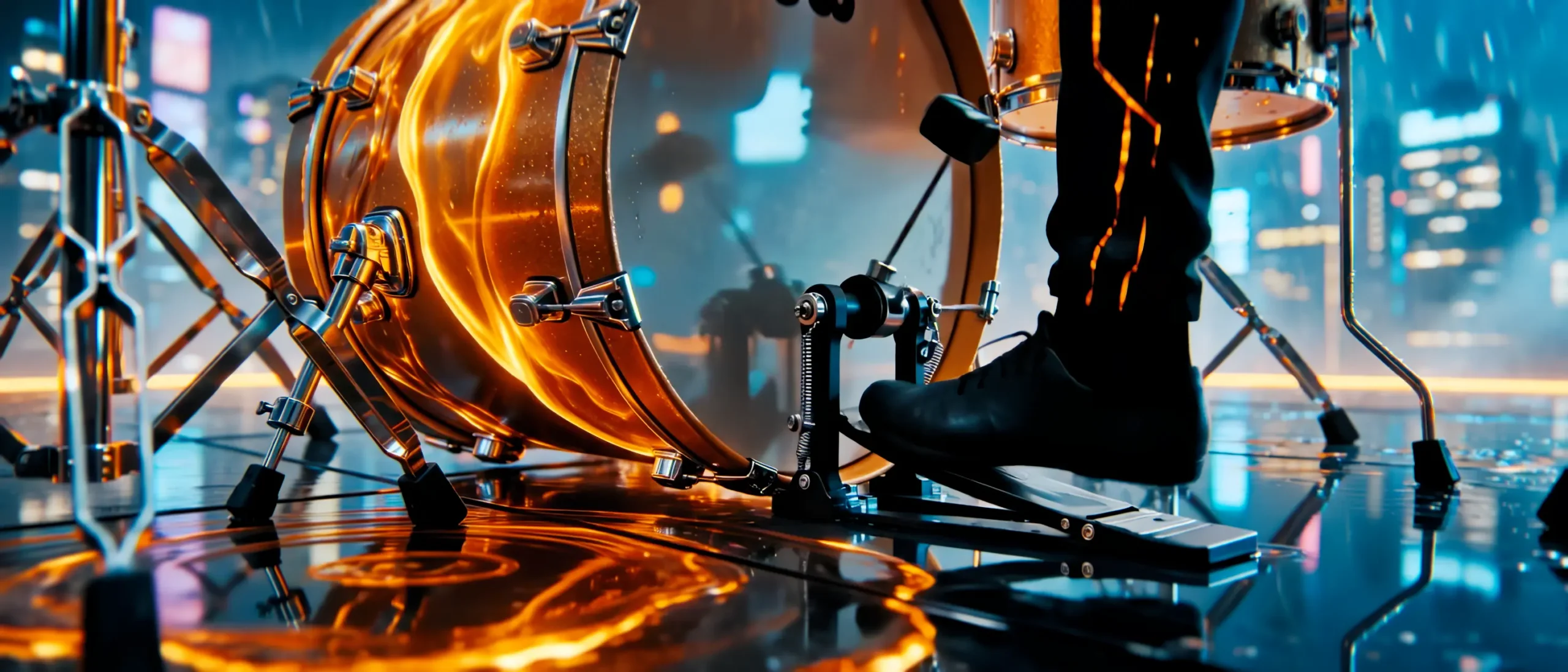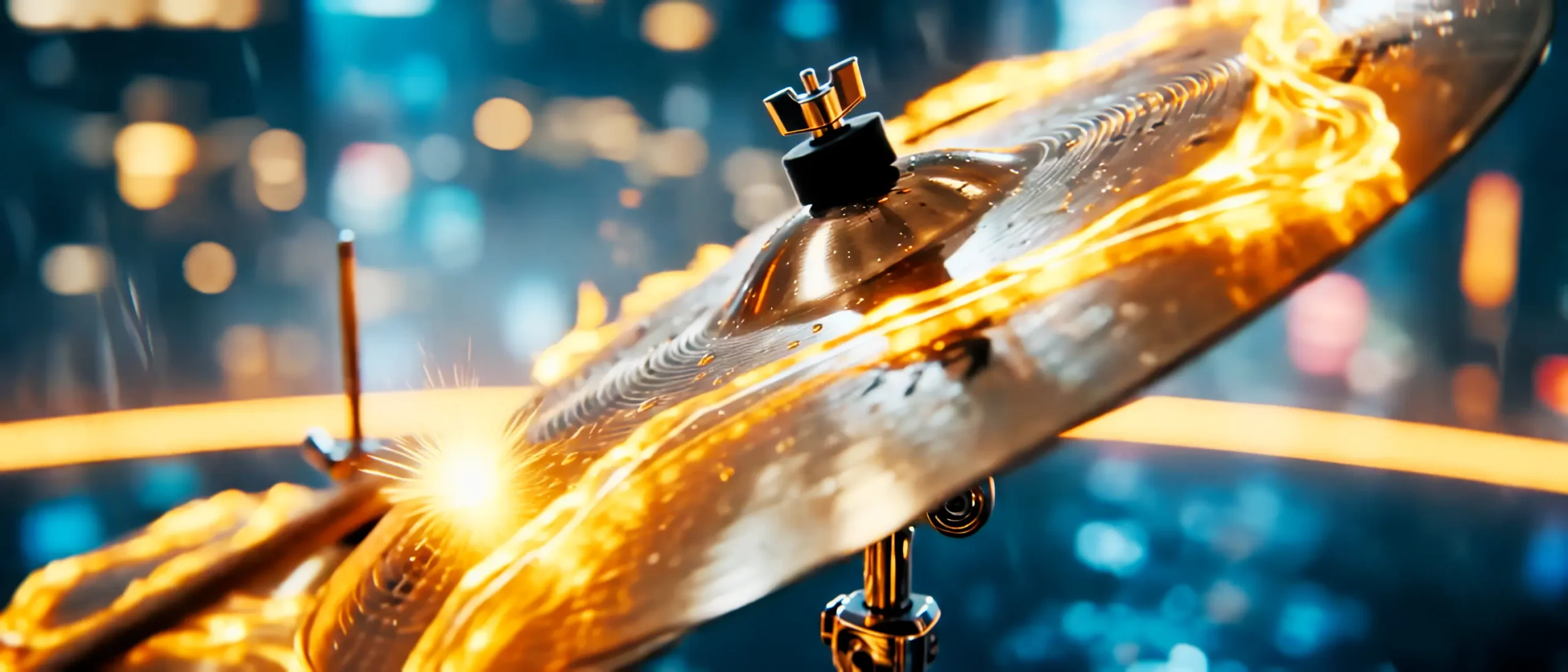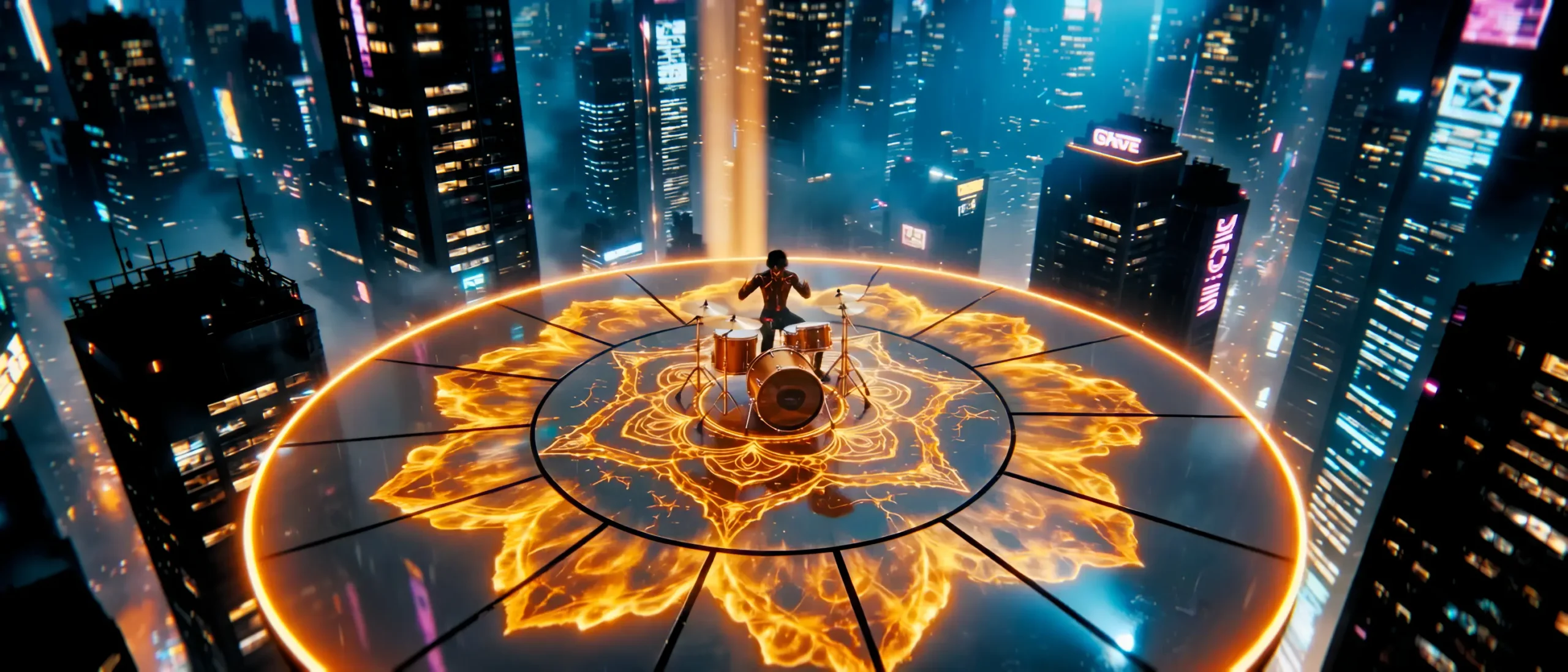
Drummer in the Neon Storm: Bridging AI and Human Intuition
Objectives
The core objective on Drummer in the Neon Storm was to move beyond random video generation and demonstrate a deterministic, director-led hybrid methodology: 80% Directed AI Generation, 20% Human Post-Production Mastery.
1. The 80/20 Hybrid Filmmaking Framework
Modern AI models excel at generating raw visual density, but frequently struggle with rhythm, lens physics, and temporal coherence. To overcome this, the production was divided into two distinct operational phases:
| Phase | Primary Toolset | Core Operations & Objectives |
|---|---|---|
| Phase 1: Directed Generation (80%) | Seedance 2.0 & ComfyUI | Multimodal prompt engineering, reference image anchoring, dynamic camera velocity control, and percussion kinetic alignment. |
| Phase 2: Human Polish (20%) | Topaz Video AI & DaVinci Resolve | Temporal stabilization, artifact removal, 4K ProRes 422 HQ upscaling, split-tone grading, and 35mm optical grain injection. |
2. Directed Generative Phase: Multimodal Prompting & Motion Control
Rather than relying on unstructured text descriptions, the shot was directed using a structured multimodal prompt schema inside Seedance 2.0 and ComfyUI. Multiple visual reference anchors were injected into the latent pipeline to lock the drummer’s silhouette, drumstick trajectory, and environmental lightning.
Below is the structured prompt packet executed for the hero percussion sequence:
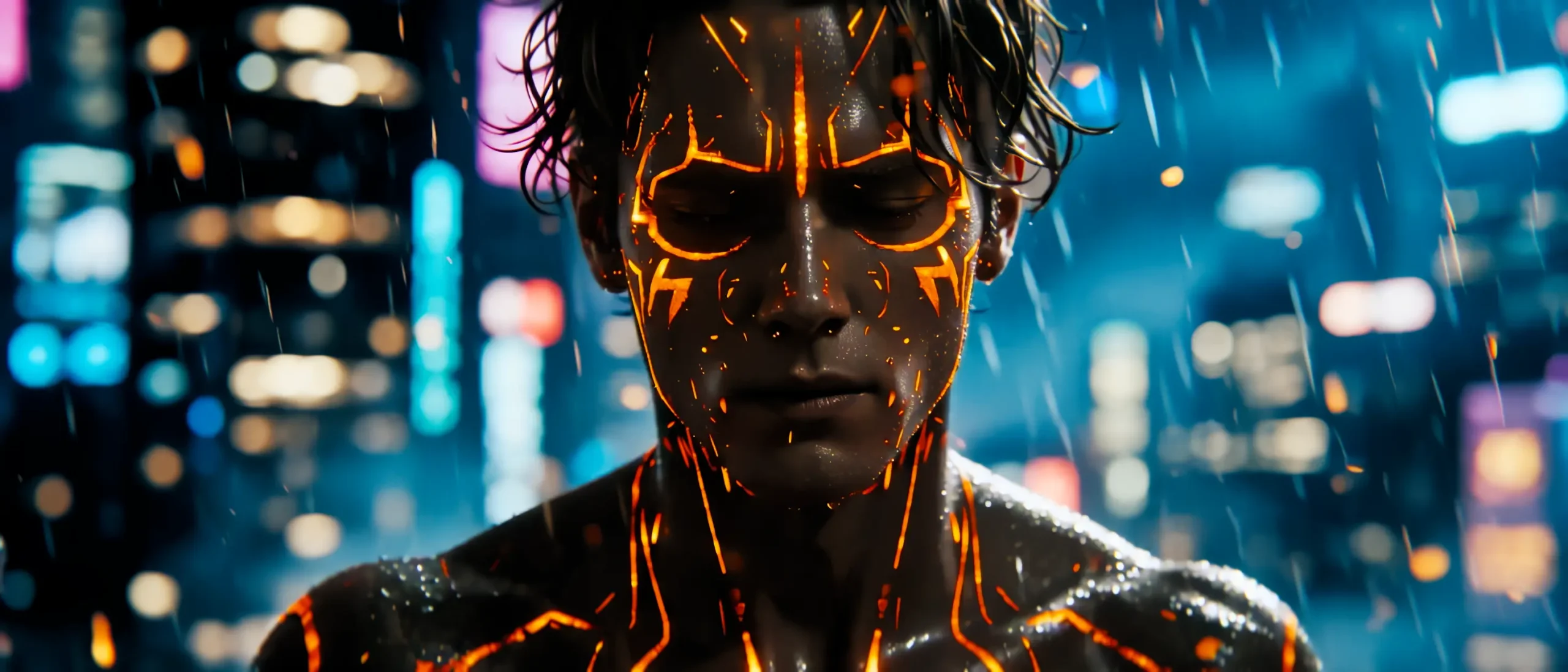
@Character_Ref: “Hero drummer in cyber-punk silhouette, backlit rain droplets”
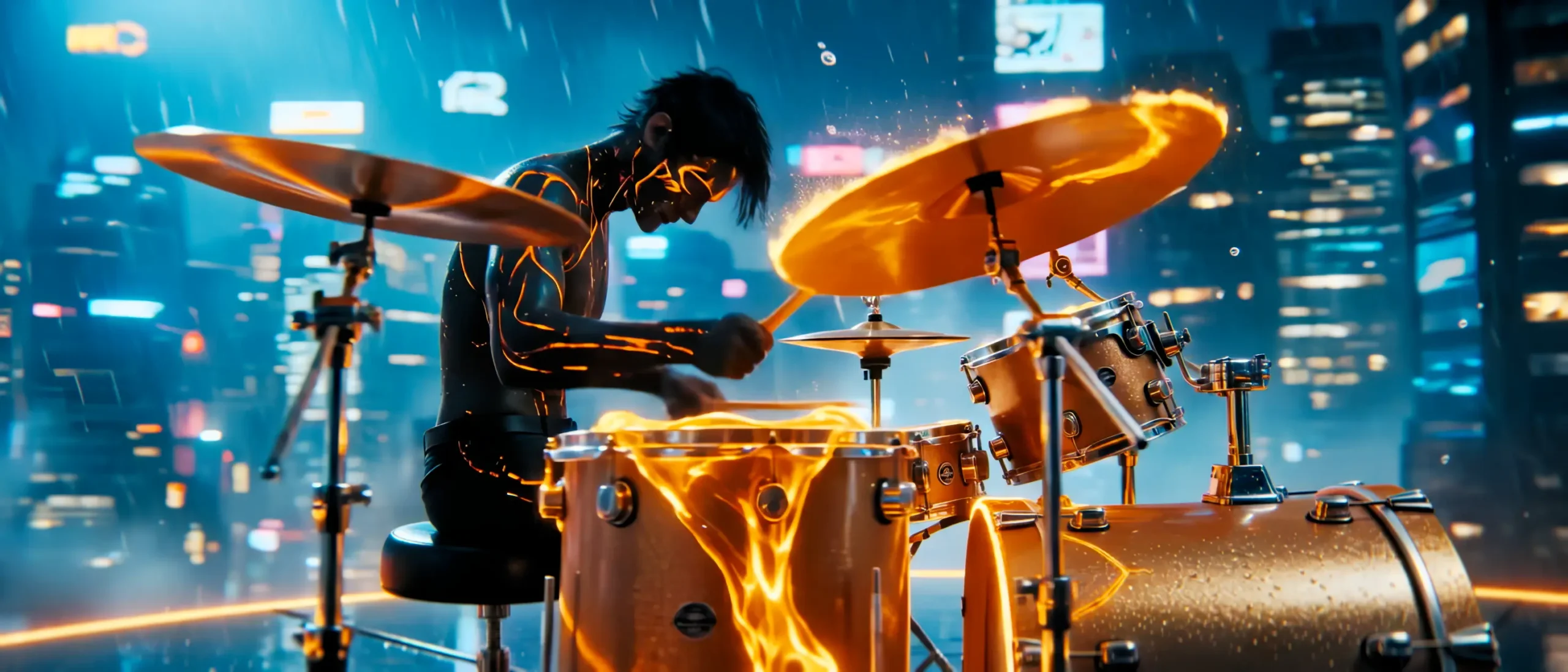
@Motion_Spec: “Rapid kinetic double-stroke drum roll, snare rimshots with shockwave air displacement”
@Camera_Move: “Push-in dolly zoom, 35mm anamorphic, f/1.8, high-frequency shutter (1/500s)”
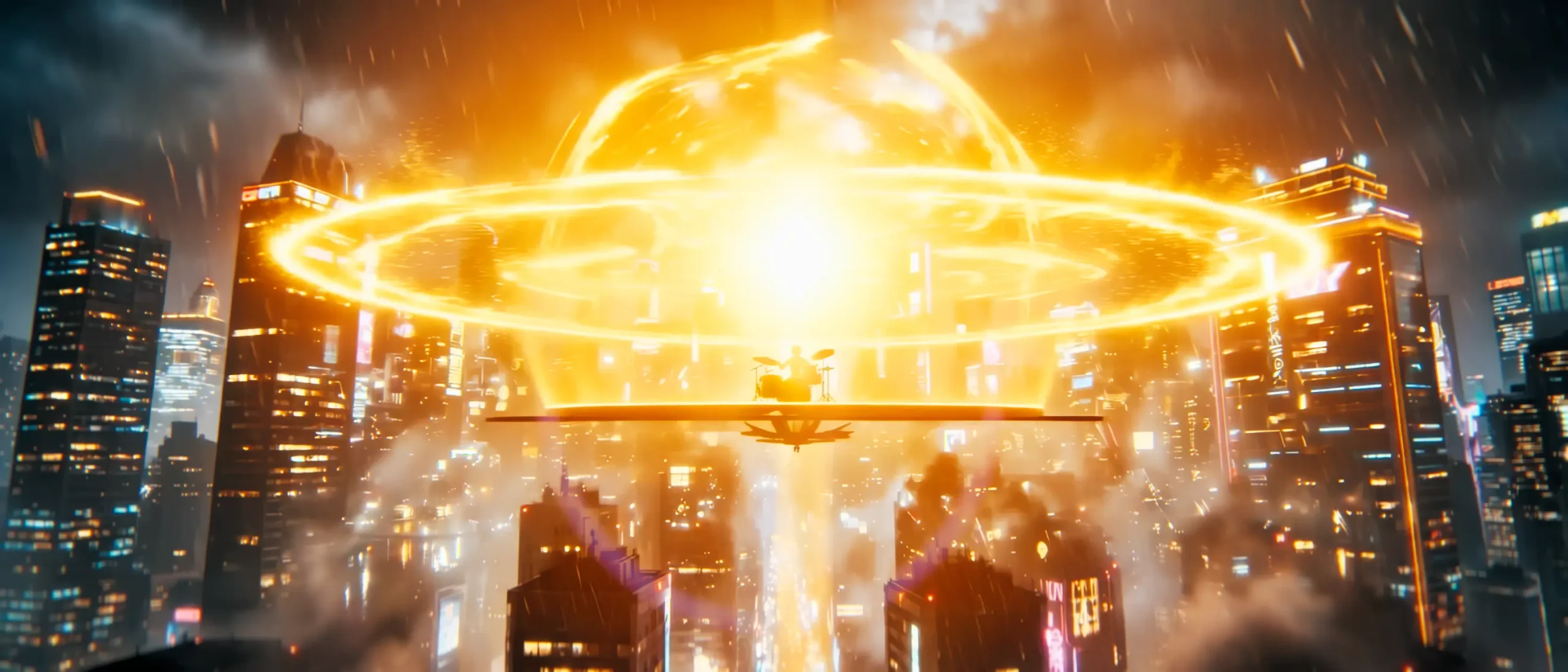
@Lighting: “High-contrast neon cyan key light, pulse-strobe amber rim lights on cymbal crash”
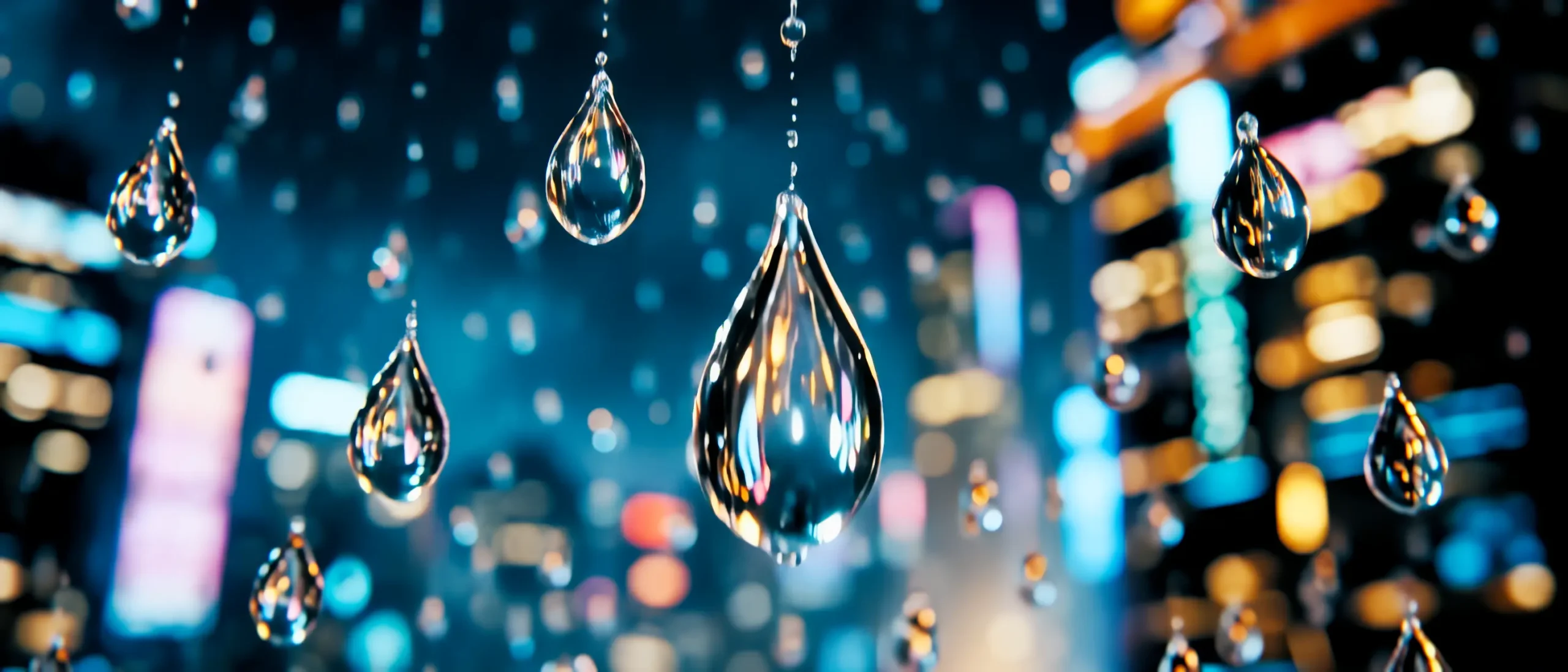
@Atmosphere: “Heavy downpour, volumetric fog, dynamic splash physics on drum skins”
3. Temporal Stabilization & AI Upscaling (Topaz Video AI)
Raw video generation models output at moderate resolutions (720p/1080p) and occasionally introduce micro-flicker on fine high-frequency details like water droplets and drumstick tips. To prepare the footage for broadcast delivery, the sequence underwent specialized post-processing:
- Chronos Motion Interpolation: Re-calculated motion vectors between frames to eliminate jitter on high-speed drumstick swings without introducing rubbery warping.
- Proteus Fine Detail Enhancement: Reconstructed micro-textures on rain-slicked leather, cymbal brass grooves, and neon water splash spray.
- ProRes 422 HQ Master Output: Converted the uncompressed AI frames into a mastering-grade 4K digital intermediate.
4. Cinematic Color Grading & Optical Finishing in DaVinci Resolve
The upscaled sequence was imported into DaVinci Resolve Studio to unify the generative footage with a tactile, analog film aesthetic:
- Split-Tone Palette: Deep teal-cyan shadows paired with aggressive 590nm neon amber highlights on the snare rim and cymbal reflections.
- Highlight Halation & Bloom: Extracted the luminance of the strobe flashes and introduced optical halation with warm edge bleed.
- Anamorphic Lens Emulation: Applied horizontal chromatic aberration, barrel distortion, and Kodak 5207 Vision3 250D film grain to mask digital edge artifacts.
5. Production Impact: Raw AI vs Hybrid Post Pipeline
| Quality Factor | Raw Unprocessed AI Video | Hybrid Director Pipeline | Result |
|---|---|---|---|
| Temporal Jitter | Noticeable flicker in water droplets | Frame-locked vector stabilization | Rock-solid motion flow |
| Resolution & Bitrate | Compressed 1080p MP4 | Uncompressed 4K ProRes 422 HQ | Broadcast master ready |
| Color Tone & Mood | Flat sRGB dynamic range | ACEScct high-contrast split tone | Cinematic depth & punch |
6. Technical Specifications & Tool Stack
- Generative Video Engine: Jimeng Seedance 2.0
- Node Orchestration: ComfyUI (Latent video condition nodes)
- AI Video Enhancement: Topaz Video AI (Chronos & Proteus models)
- Color Grading & Finishing: DaVinci Resolve Studio (ACEScct)
- Sound Design & Audio Pacing: Fairlight Audio Suite
7. Technical FAQ
Why not use AI video exports directly without post-production?
Raw AI video generators produce stunning individual moments, but lack intentional color science, optical halation, and precise temporal pacing. Professional grading and artifact cleanup transform an ‘AI clip’ into an emotive cinematic story.
How do you prevent limb morphing during fast drumming motion in AI video?
By supplying keyframe reference images with strong silhouette contrast and specifying high-shutter camera terms in the prompt, the model locks limb trajectories and minimizes anatomical distortion.
Can this hybrid workflow be applied to commercial productions?
Yes. By treating AI as a virtual production stage and mastering in ProRes 422 HQ, this pipeline delivers broadcast-ready music videos, commercials, and title sequences in a fraction of traditional production timelines.